Becoming Independent - 6 Essential Home Lab Apps

This post is as much for you as it is for me. When running a home lab, it can be hard to entirely remember what exactly you are hosting at any given time, so on that note, let the app list begin!
1. Homarr
Staying in the thought about not remembering what you are hosting at any given time, this is the solution. Homarr is a dashboard that can have shortcuts to any website, mainly focused on self-hosted sites. It also has a built-in search bar that supports custom search engines and support for many integrations. I use integrations with AdGuard DNS and the Unifi Network app.
This also allows convenient shortcuts for the local address of these apps too, which is often harder to remember because of port numbers.
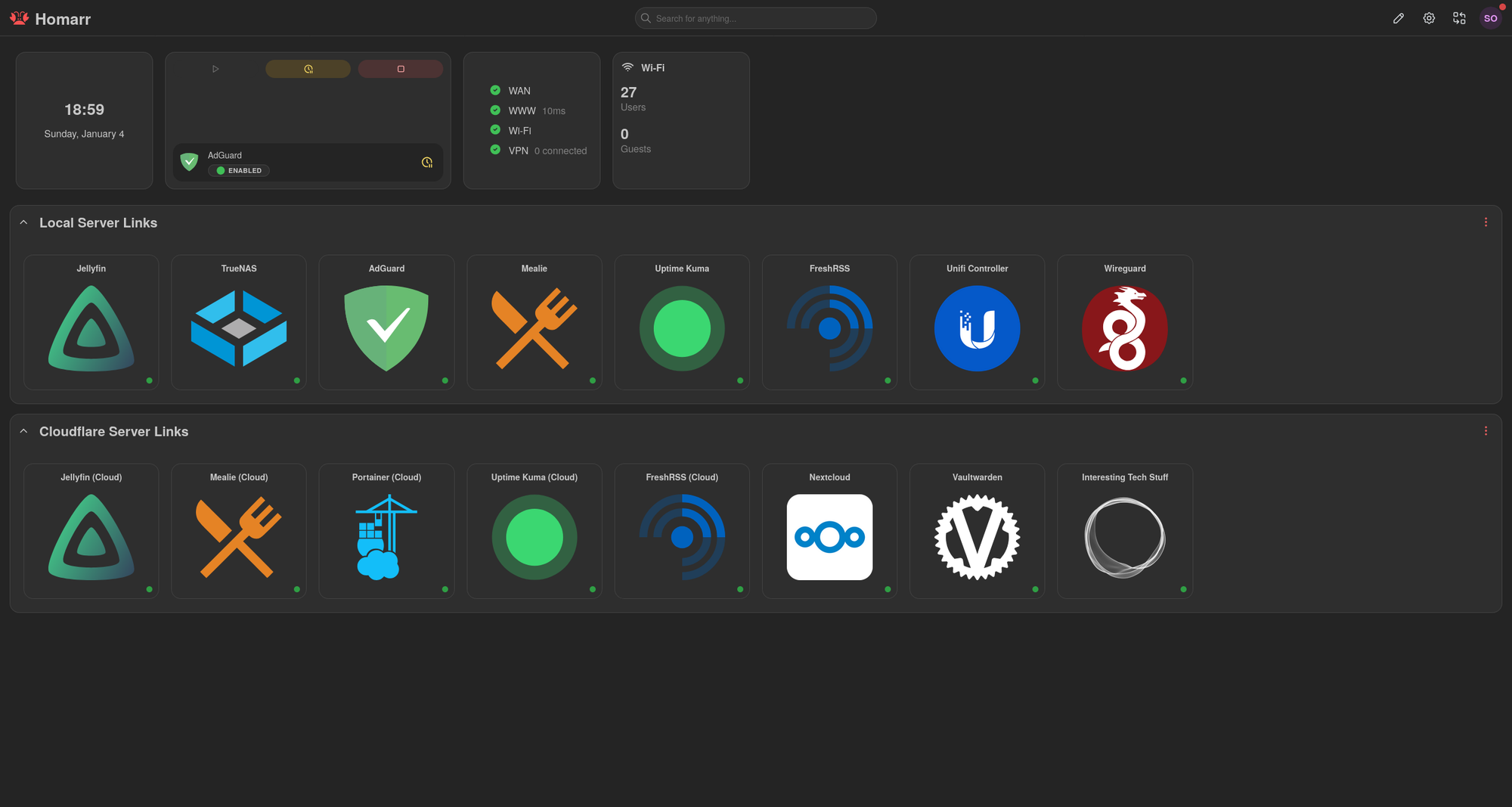
Homarr can be downloaded at homarr.dev
2. Cloudflare Tunnels
Cloudflare Tunnels allow for hosting web services without opening any ports or exposing your public IP directly to your domain. Cloudflare proxies all traffic that is through the tunnels service.
It works by installing the cloudflared service on any computer on your home network, and it allows you to publish private addresses to a public domain that you own. Cloudflared also takes care of SSL certificates, so all of your projects are automatically encrypted over https until the cloudflared service on your local network, where it will be unencrypted unless https is manually configured on your server.
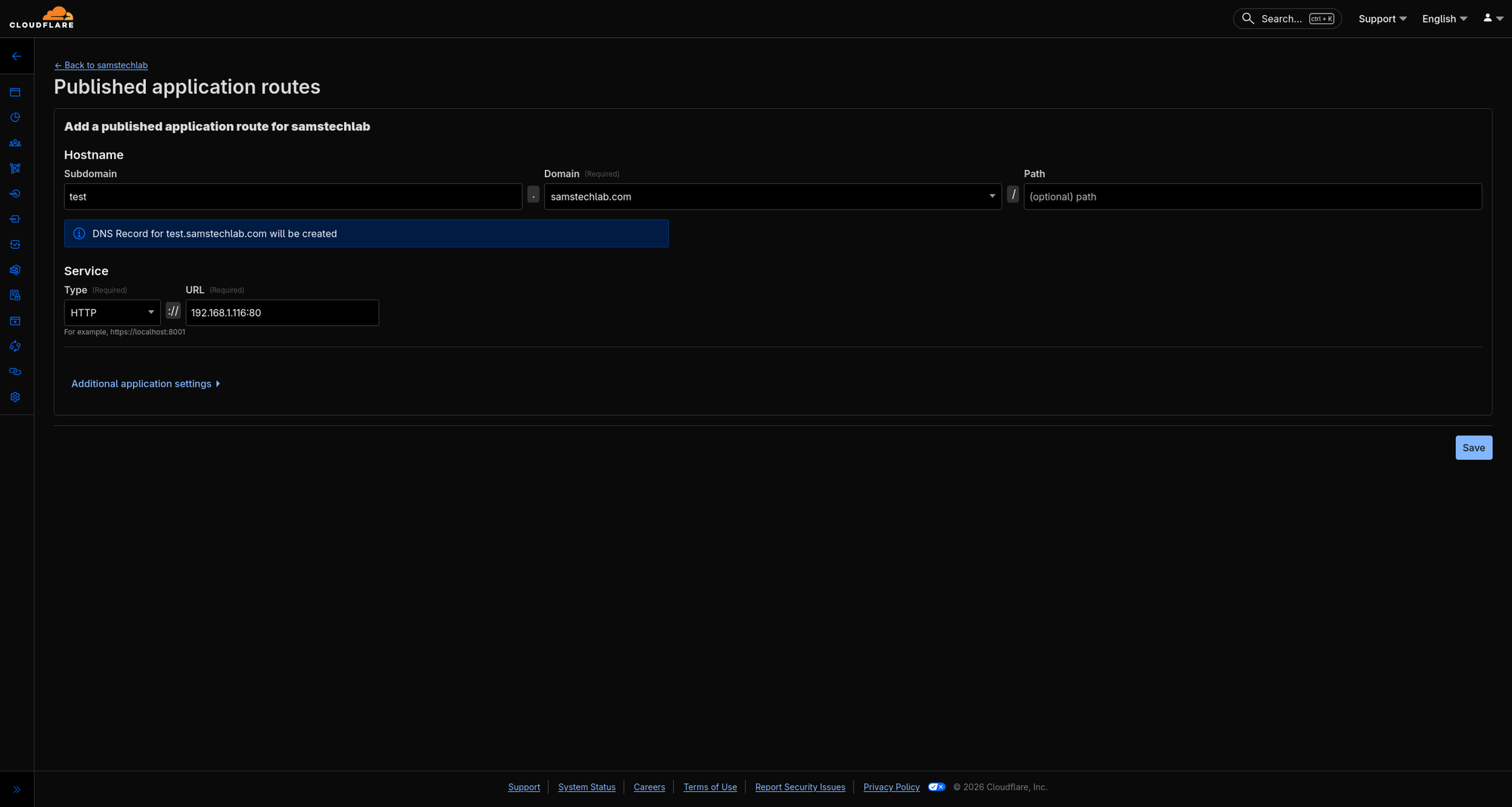
Cloudflare's services can be found at cloudflare.com
3. Vaultwarden (Bitwarden Self-hosted Server)
Vaultwarden is a service that I use every single day to manage my passwords. It allows you to use the official, secure Bitwarden client, but without any subscriptions or having your passwords hosted in someone else's cloud.
It also has a web client that is useful if you prefer not to install a browser extension or wish to use the send feature, which allows secure sending of files or text with a limit on amount of views, time expiration, or even password protected sharing.
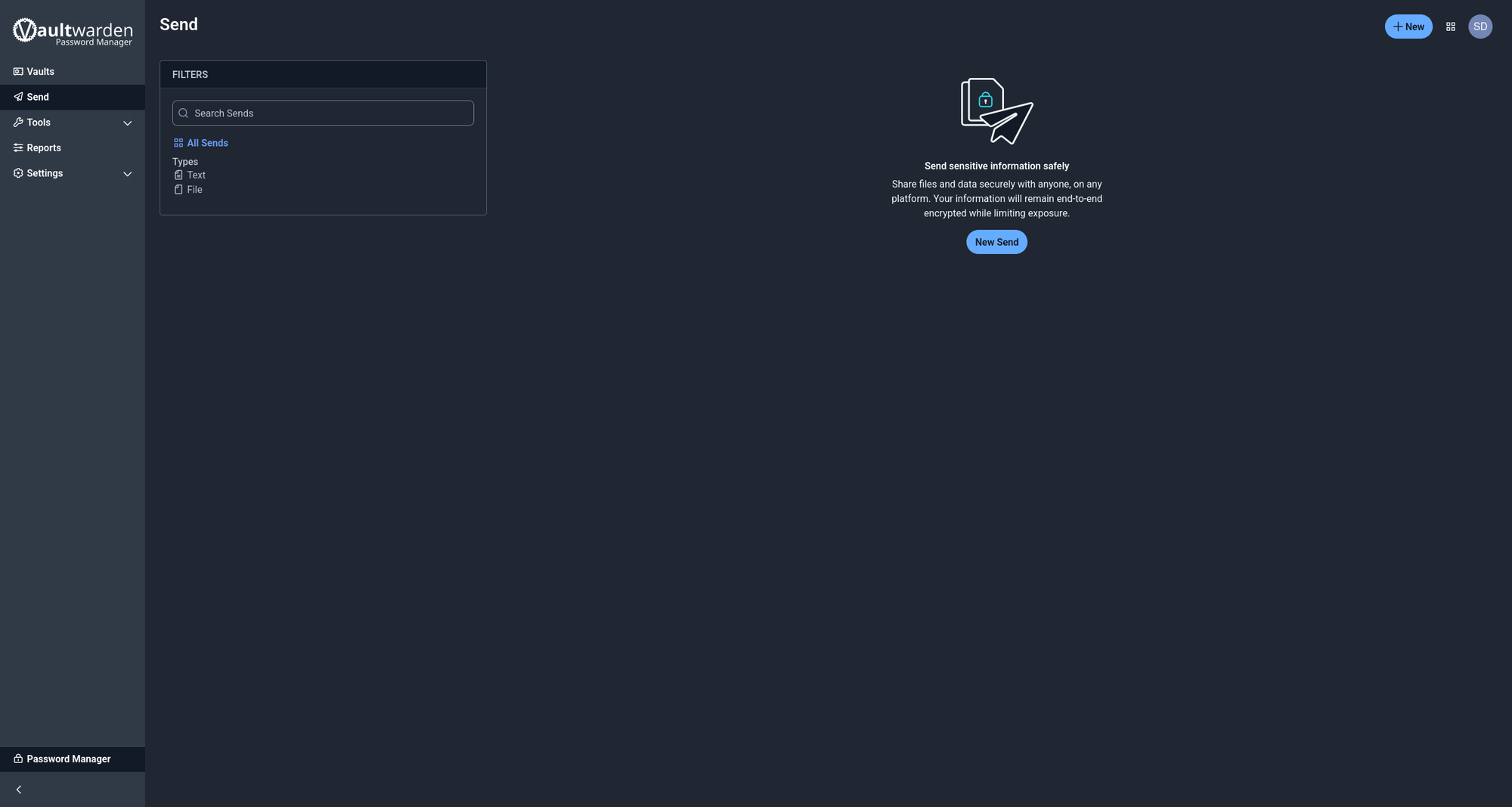
Vaultwarden can be found at github.com/dani-garcia/vaultwarden
4. Jellyfin
Jellyfin is an open-source media server that supports Movies, TV Shows, Live TV, and Music. I mainly use it for high quality FLAC music, with Symphonium as a music client on Android. I occasionally will backup physical copies of movies that I care about, which it also excels in with amazing metadata fetching (Rotten Tomatoes, cover art, etc.)
It also has extensive plugin support, with plugins that will automatically fetch lyrics, subtitles, and more!
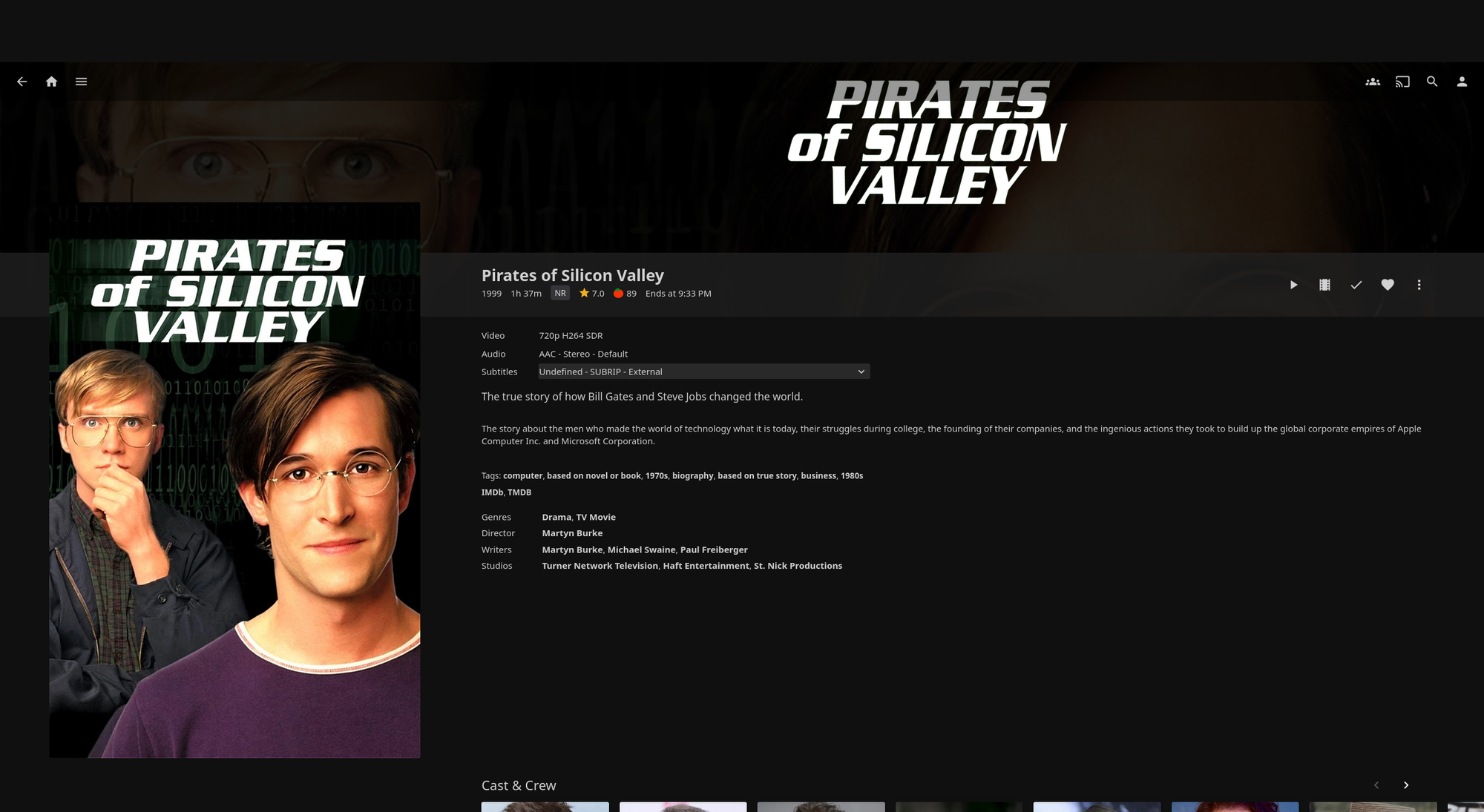
Jellyfin can be found at jellyfin.org
5. Crafty Controller
Crafty Controller is a Minecraft server wrapper that allows easy creation and management of Java Minecraft servers with all the features most servers need. It supports all major server variations including Vanilla, Paper, Forge, and Fabric. It also contains tools for automated tasks like server restarts and backups. It even supports webhooks!
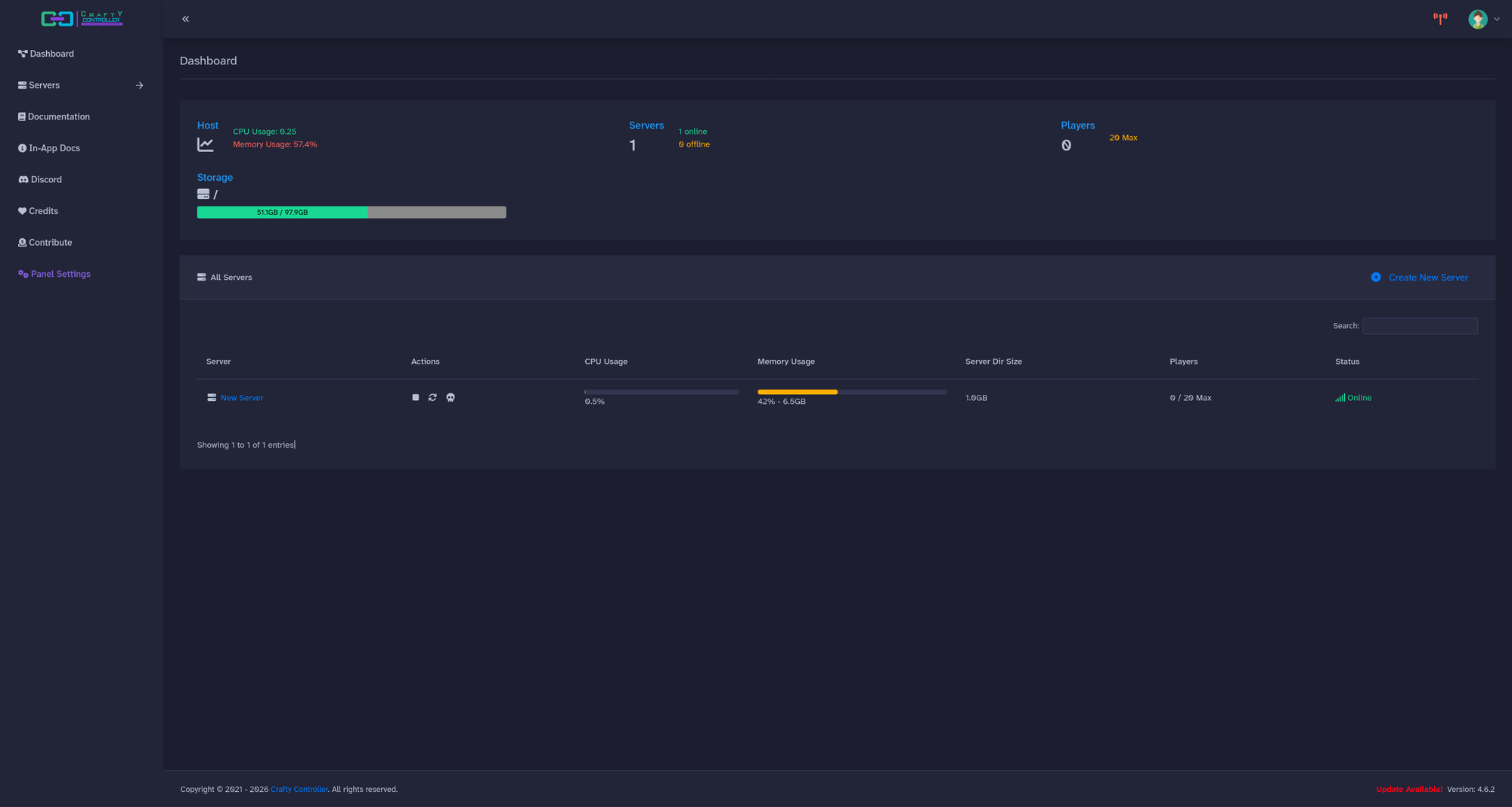
Crafty Controller can be found at craftycontrol.com
6. SearXNG
The last, but certainly not least, is SearXNG.
SearXNG is a "internet metasearch engine" according to their website, but what does that actually mean?
SearXNG is a self-hosted tool that will aggregate search results from many different search engines, including specialized ones for looking up educational papers, images, and many other categories. It lets you choose from the 243 services integrated to search exactly what you want. It also has privacy advantages because it randomizes your profile every time it is used, so you can use search results from sites like Google without getting tracked nearly as much.
The application cannot prevent tracking based on IP though, which makes it best practice to try and get other people to use your instance to anonymize yourself among the others. This gives incentives for people to make their instances public. If you want to give it a try, feel free to try mine at web.samstechlab.com.
Pro tip: I highly recommend using Startpage as an engine in SearXNG for normal web browsing because it uses Google's index, but has less restrictions against SearXNG.
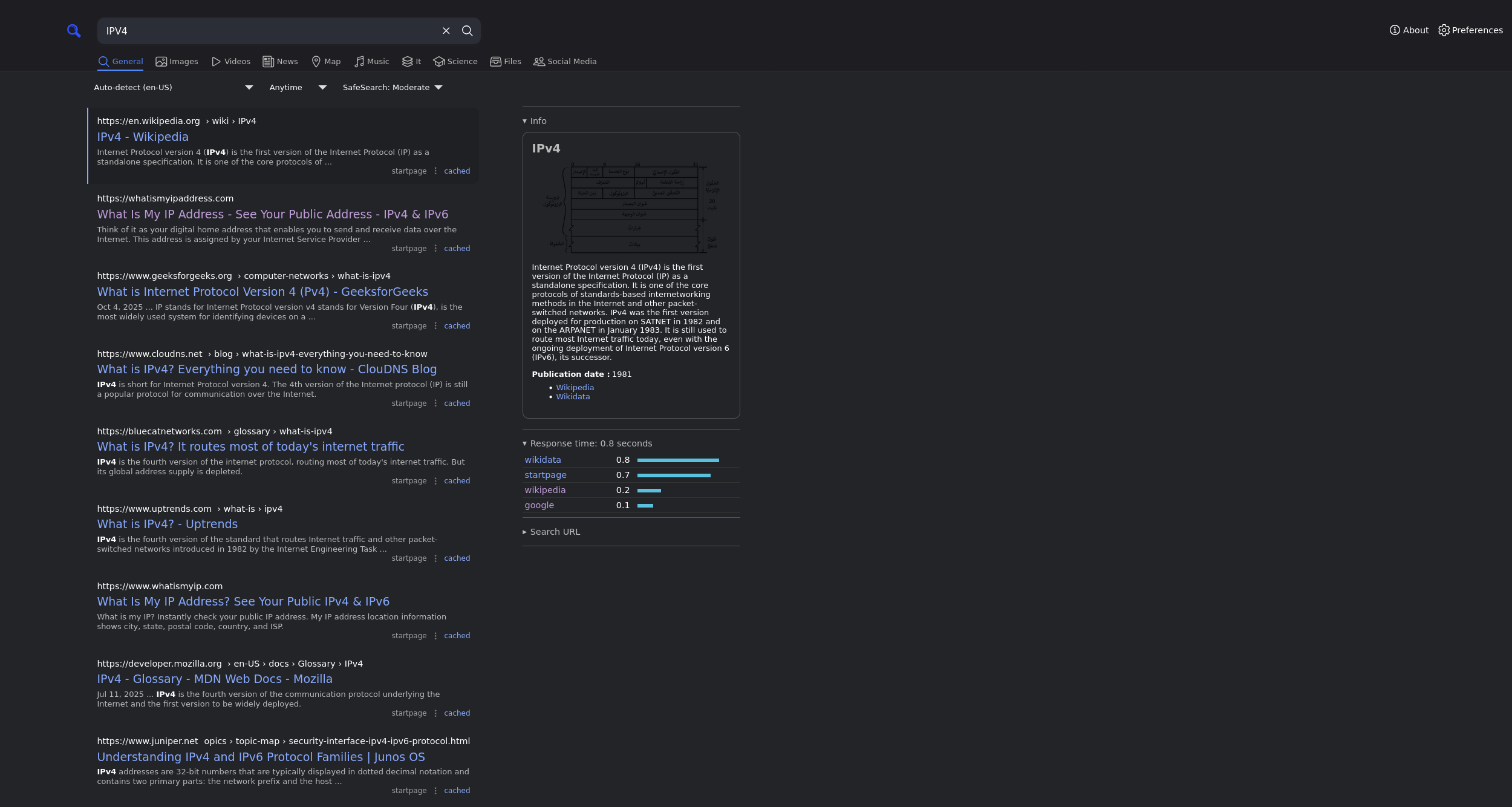
SearXNG can be found at docs.searxng.org